Grow Now
Updated
| Mod Name | Grow Now |
| Game | Farming Simulator 25 |
| Manufacturer | none |
| Category | Gameplay |
| Author | ViperGTS96 |
| Size | 97 KB |
| Version | 2.0.0.0 |
| Release Date | 27.10.2026 |
| Platform | PC/MAC |
Views 0
Downloads 0
ModBarn 0 (0)
ModHub 4.5 (192)
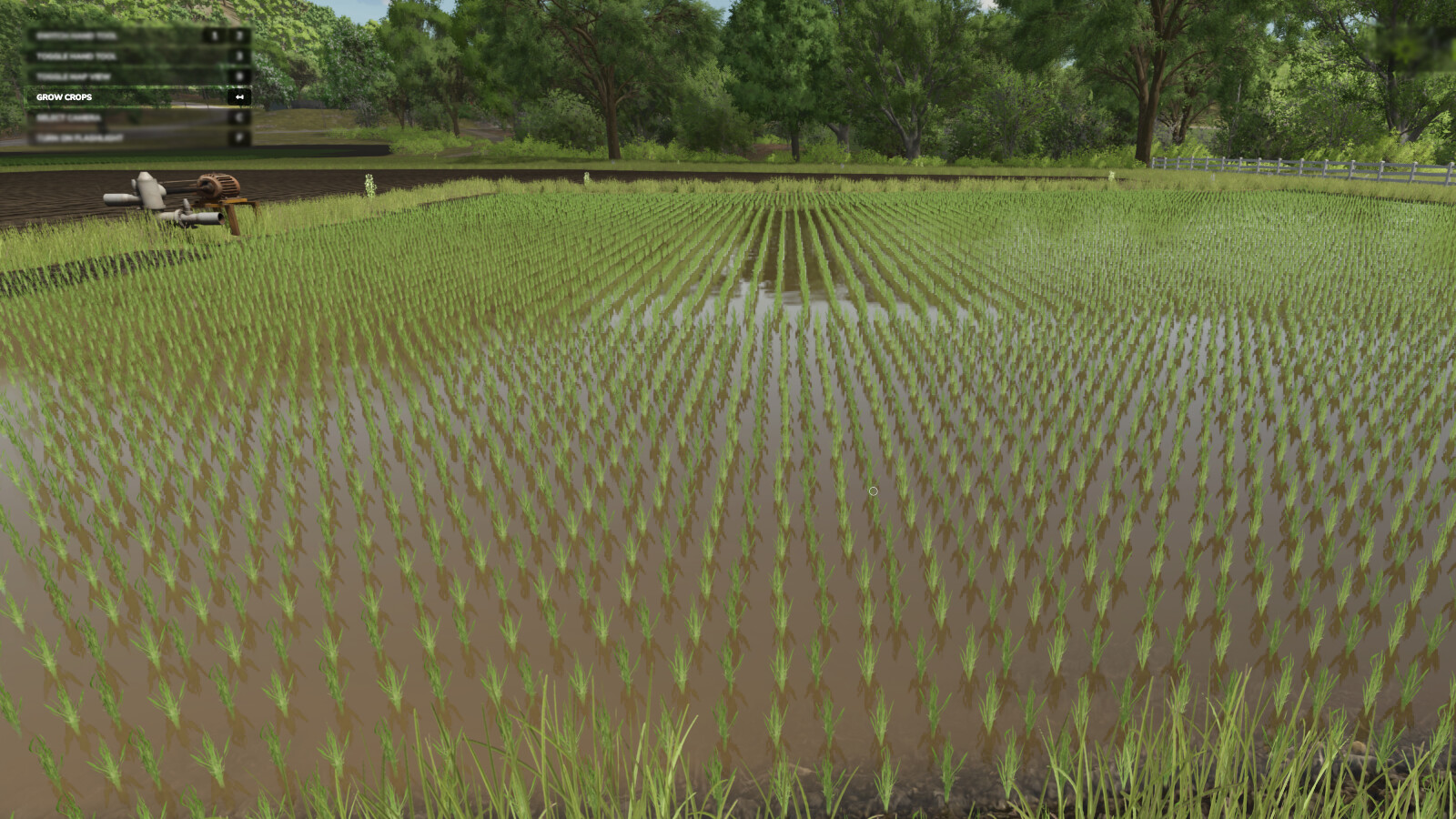
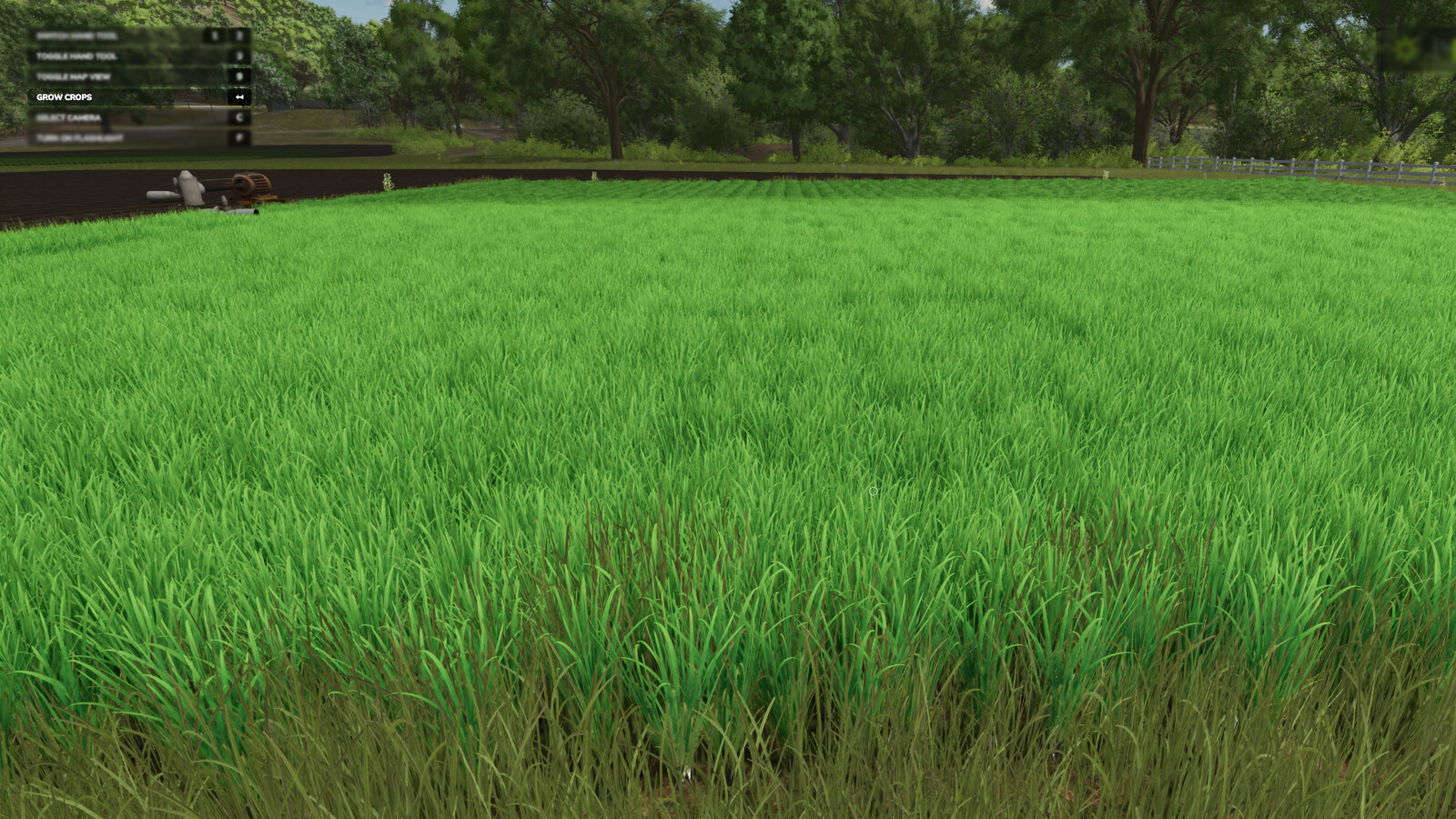
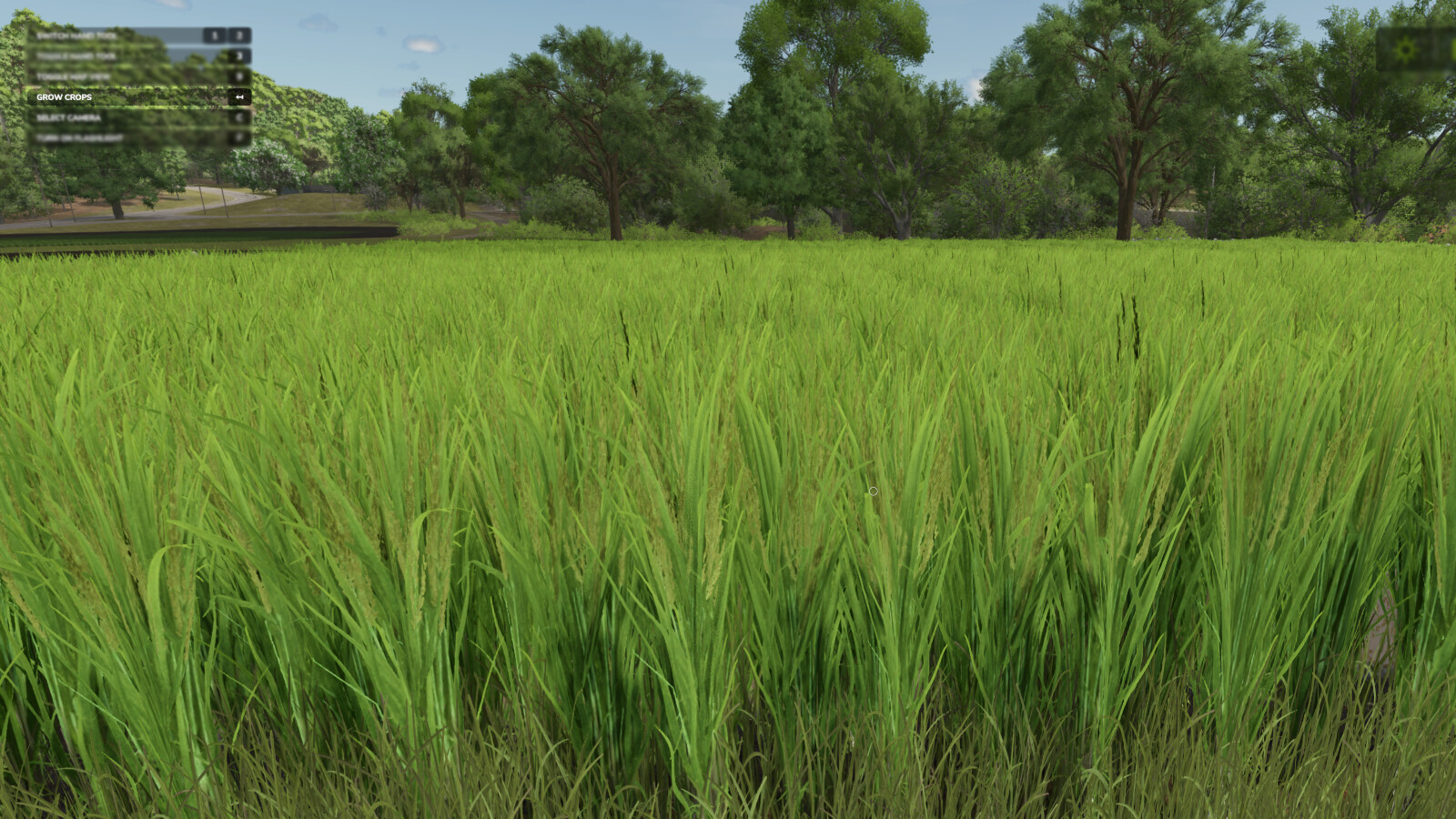
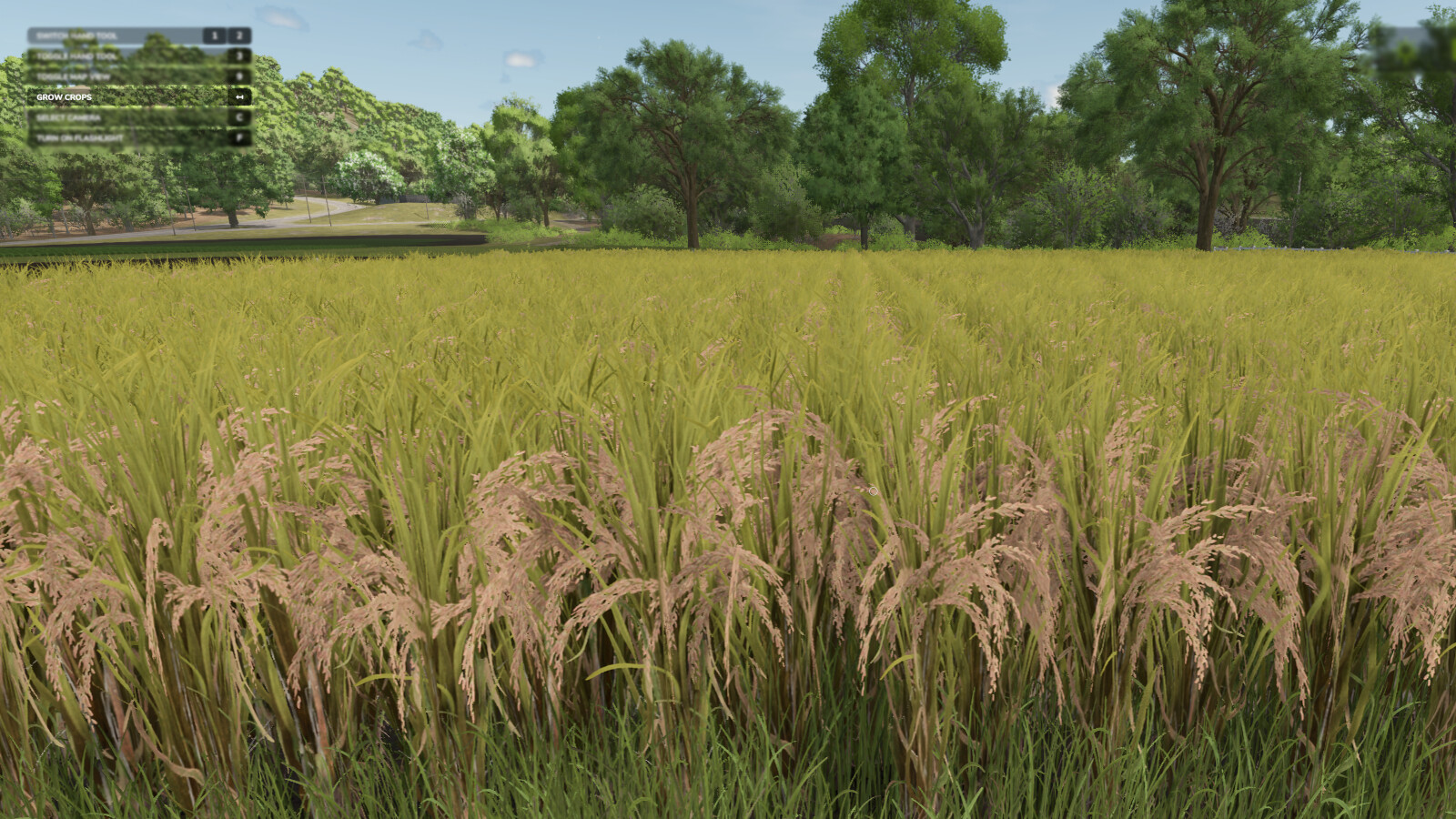
Press a button to advance the growth of your crops, or trees.
- There are 2 methods for crop growth as of version 2.0.0.0.
-- Method 1 (new) : You can stand in a field or planted area of a field and it will only advance that area, and instantly.*
-- Method 2 : All crops in the map are advanced in growth with a slight delay (as per previous version of mod).**
Note: Some crops take two stages (button presses) per visual state advance.
* Player must be at least 1 meter from the edge of the desired area for it to be detected.
** Seasonal growth setting will be changed to "off" (option 2) when used.
-Default Button for current crop : Backspace
-Default Button for all crops : Left Shift + Backspace
-Default Button for trees : Left alt + Backspace
Change Log v2.0.0.0
- Added the new feature where you can individually advance a planted area of crop which you are standing in.
- Added the new feature to advance tree growth.
More from ViperGTS96

Suggested Mods
Ratings & Reviews
0
0 reviews
| 5 stars | ||
| 4 stars | ||
| 3 stars | ||
| 2 stars | ||
| 1 stars |
| Login above to Rate & Review this. Let us know what you think! |
| No Ratings & Reviews Yet. Be the first to leave a Rating & Review! |